Behind Cycling the – Bike:
The below photographs, demonstrate the clarity and the sharpness of the brand name of each cycle. My objective for the below image was primarily to focus on each different components of a bike. I.E the wheel, the seat, the branded logo, the chain of the bike. This is where my idea for the final project came from.
Compositions: The images below demonstrate a range of compositions, my aim was to capture the viewers attention to certain areas, i.e brand name and also where the focus is sharp in the images. As you can see my I really enjoy working with lower aperture settings – creating a very shallow dept of field and manually focusing in specific areas I wanted the focus point to be at.


Image Manipulating – Photoshop
Using the ‘Lasso tool’ I was able to darken key areas in certain areas of my photographs. Lasso tool – is one of the greatest tool to use when you want to darken or lighten certain elements of you photograph. The below photographs will you the difference, were I had darkened and lighten specific areas of the images. I had also applied the ‘clone tool’ – where I had cloned clean area to get rid of a certain un clean area. (This is often applied by click on clone tool and holding Alt (to the area you want cloned.)
Lasso tool & Selection tool > Curves > Feather : (Aim – was to lighten the brand name and darken the areas around the name.)
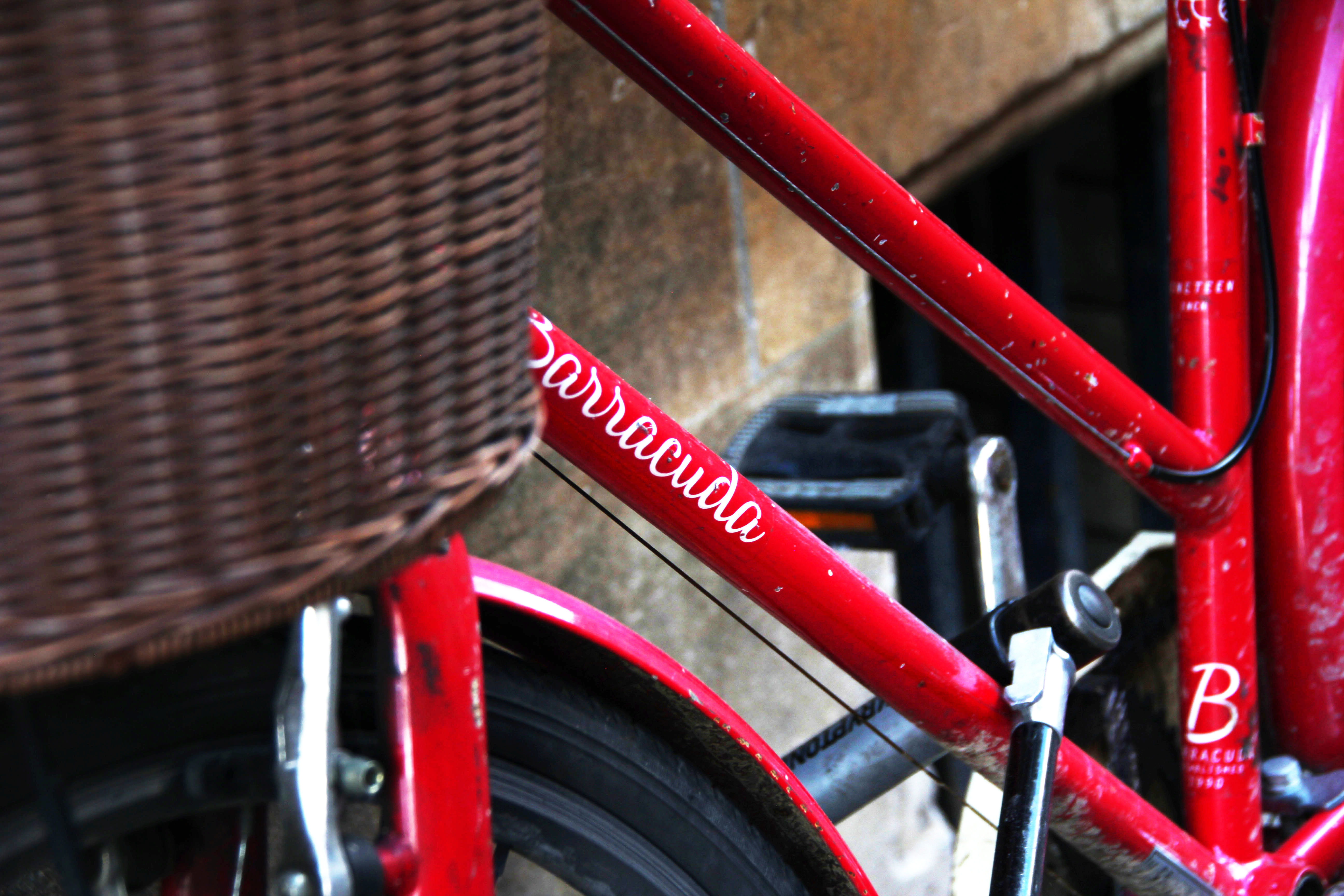
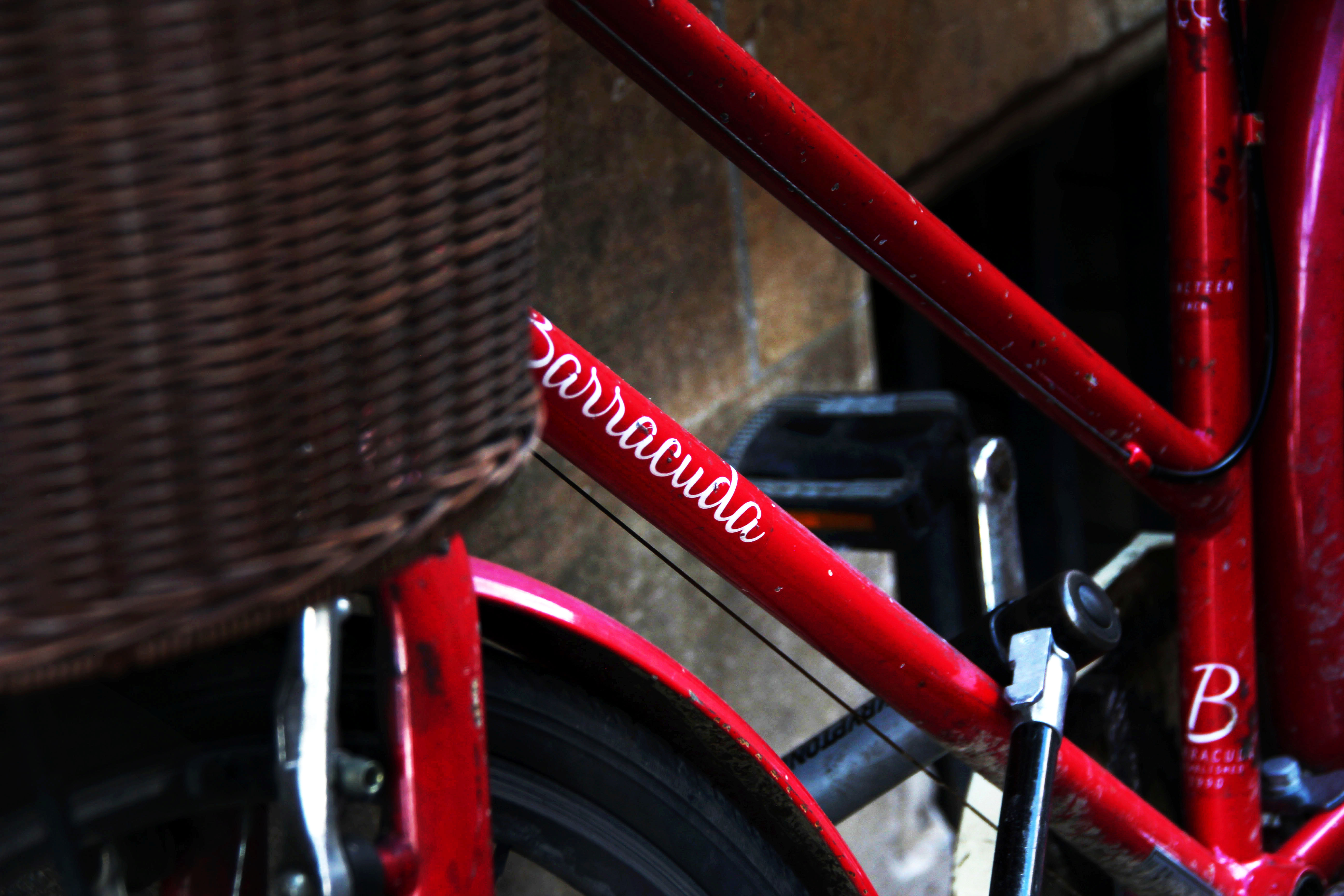
The Lasso tool – in Photoshop really supports – to draw the attention to where the photographers wants its viewers to be drawn into. This tool can bring up any dark or light areas. It was also a great tool to add to the dreams and reality unit as it can either take away distraction or create dramatic editing affects.
 UAL2photography